Alhomsi Dev
CapSnip
Subtitles for your videos, generated on your own PC.
CapSnip turns raw video into styled, readable captions without uploading anything. Transcription runs locally with a Whisper speech model, so your footage never leaves your computer, and there is no per-minute charge for using it.
$9.99one-time · USD
- One-time purchase
- 14-day refund
- Instant licence key
- Windows 10 & 11
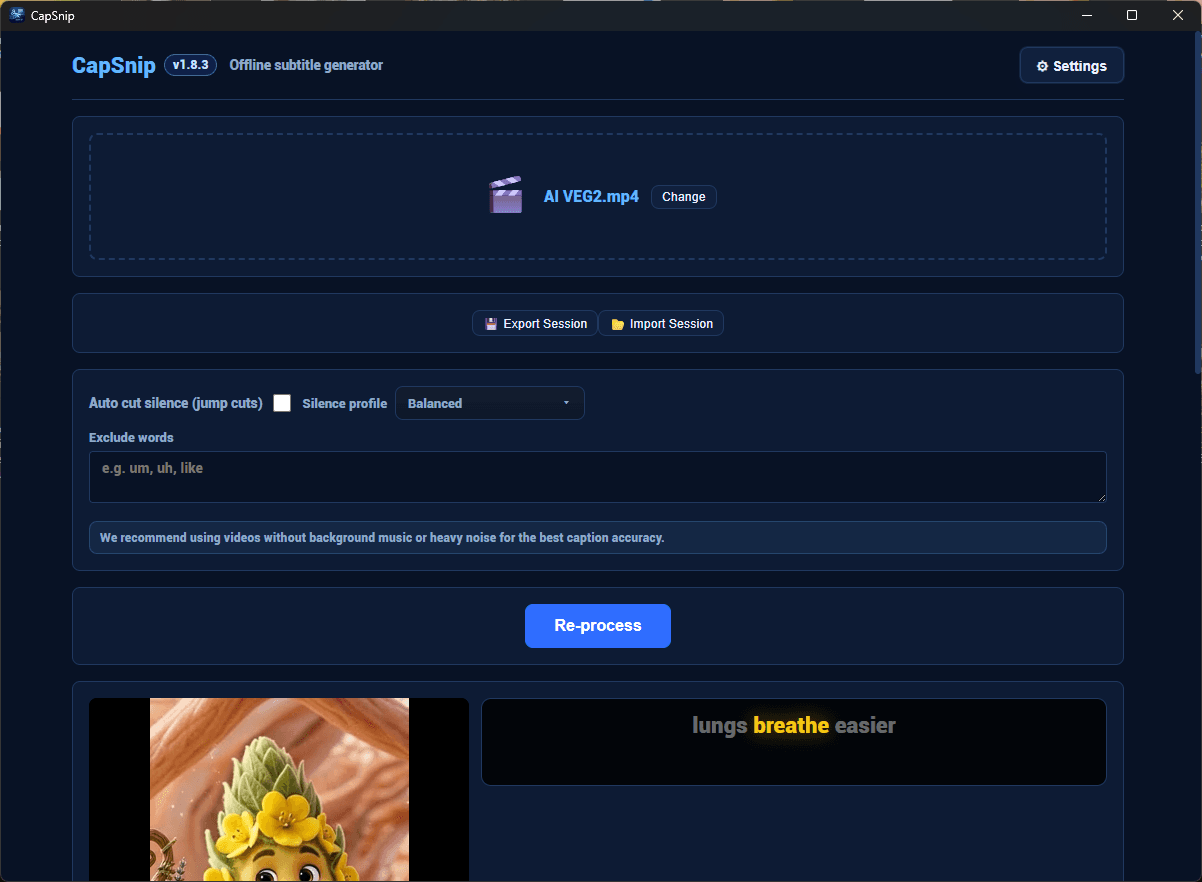
- Price
- $9.99
- One-time purchase
- Free trial
- 24 hours
- No card needed
- Version
- 1.8.3
- Last updated: 2026-08-31
- Works on
- Windows 10 & 11
- 7.3 MB · x64
Demo
See it in use
Features
What it does
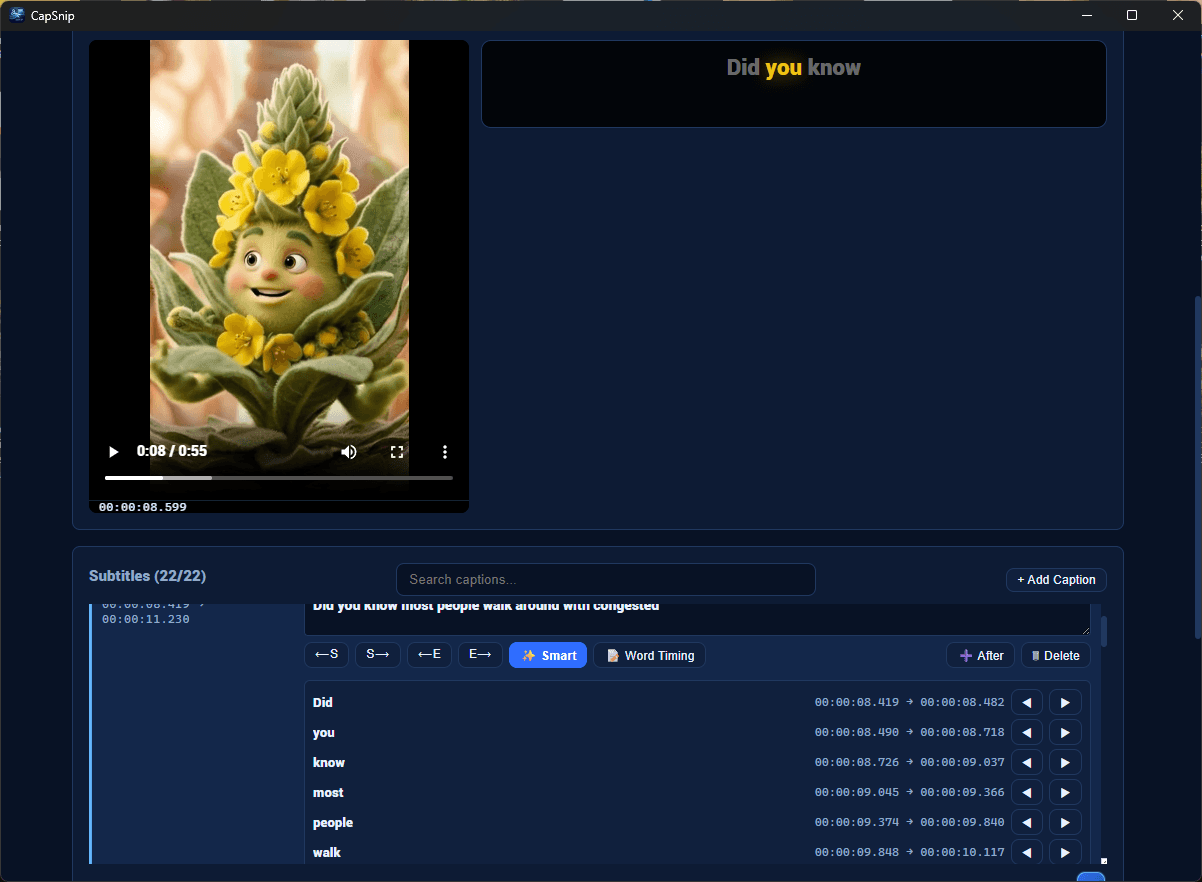
Word-level timing
Captions are timed per word rather than per line, which is what short-form edits need. Each word carries its own in and out point, and you can nudge any boundary by hand.
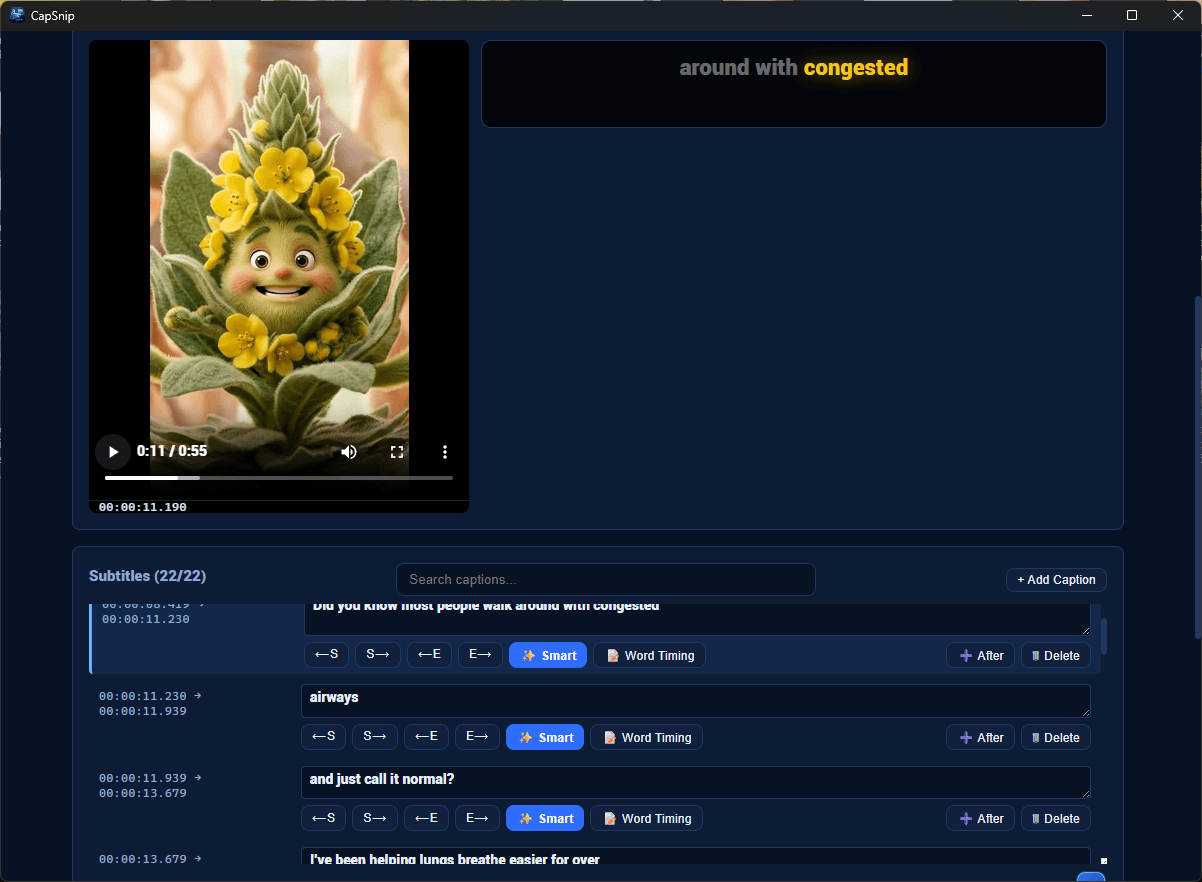
Cleanup passes
Exclude filler words so they never reach the caption, and optionally cut silent stretches automatically for a jump-cut feel.
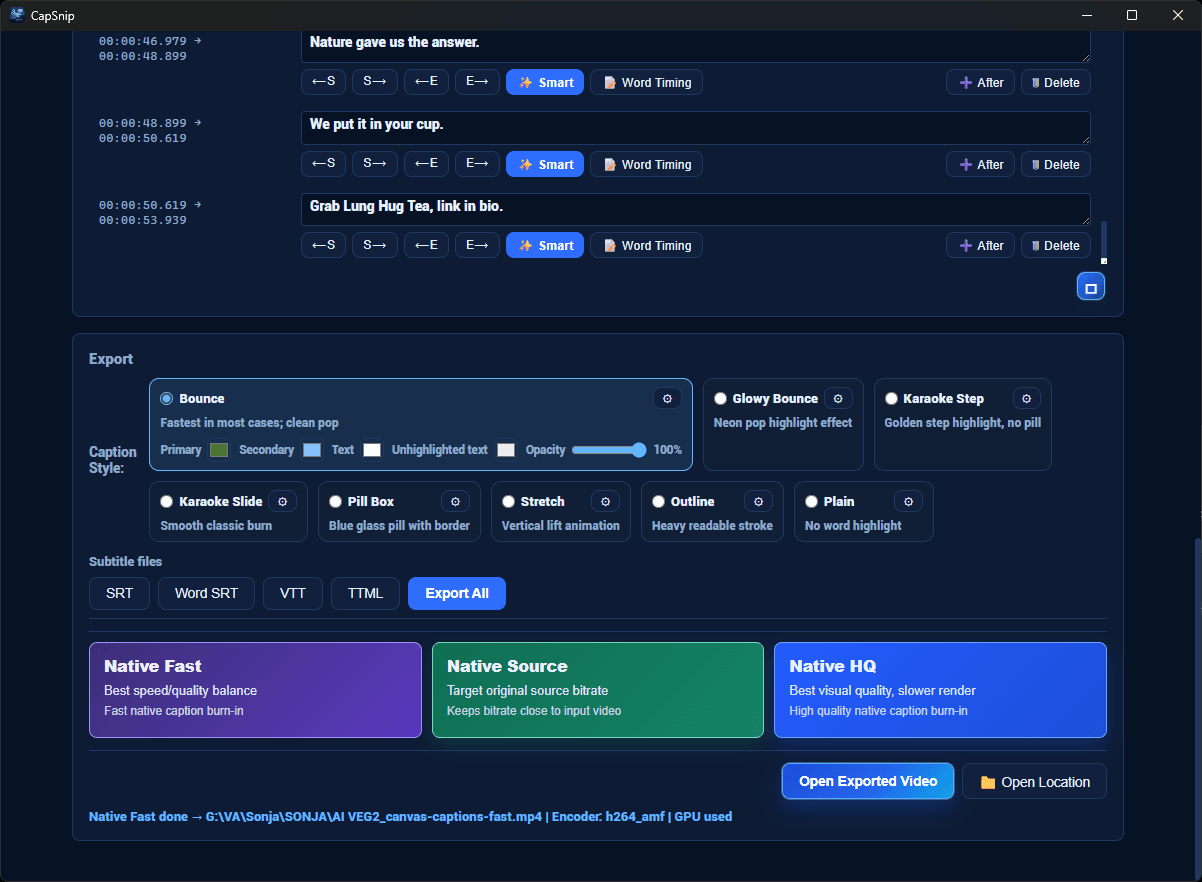
Export where you need it
SRT, Word SRT, VTT and TTML as subtitle files, or burn the captions into an MP4. Encoding uses your GPU when one is available and falls back to the CPU when it is not.
Transcription that runs offline
CapSnip downloads its speech model once during first-run setup and verifies it with a SHA-256 checksum. Every transcription after that happens on your machine. No account, no upload, no usage metering.
Caption styles with live preview
Bounce, Glowy Bounce, Karaoke Step, Karaoke Slide, Pill Box, Stretch, Outline and Plain, each with its own colours and opacity, previewed as you adjust them.
Language control
Auto-detect, or pin transcription to English, Turkish or Arabic.
Try, then buy
What the free trial includes
The free trial runs for 24 hours from first launch.
The trial is not cut down: transcription, every caption style and every export format are available during it, including burned-in MP4. No payment details are needed to start it, and nothing is watermarked. When the 24 hours are up the app stops working until a licence key is entered. Anything you already exported stays yours.
What you get and when
Immediately after payment, Lemon Squeezy, LLC emails your receipt. Your download link and licence key appear instantly in your account at alhomsi.dev/en/account — sign in with Google using the same email address you used at checkout.
Lemon Squeezy, LLC is the merchant of record for every purchase on this site. It takes the payment, charges and remits any applicable tax, and handles refunds. We never see or store your card details.
Buying through the Microsoft Store instead? That purchase is handled entirely by Microsoft and will not appear in your account here.
Get CapSnip
Offline subtitle and caption generator with local AI transcription.
$9.99one-time · USD
- Up to 3 personal computers
- Free updates for the version you buy
- Licence key and download, instantly
- 14-day refund window
- Tax calculated at checkout by Lemon Squeezy
This is the same price you will see at checkout.
Details
Specifications
| Version | 1.8.3 |
|---|---|
| Download size | 7.3 MB |
| Operating system | Windows 10 version 1809 (build 17763) or later, including Windows 11 |
| Architecture | x64 |
| Category | Productivity |
| Price | $9.99 · One-time purchase |
| Licence | One-time purchase, activated with a licence key |
| Free trial | 24 hours |
| Requirements | 4 GB RAM minimum, 8 GB recommended for long recordings |
| 2 GB free disk space for the speech model | |
| A DirectX 12 GPU is used for caption burn-in when present; the CPU is used otherwise | |
| Last updated | 2026-08-31 |
FAQ